Bold Text Generator - Free Bold Fonts (Copy & Paste)
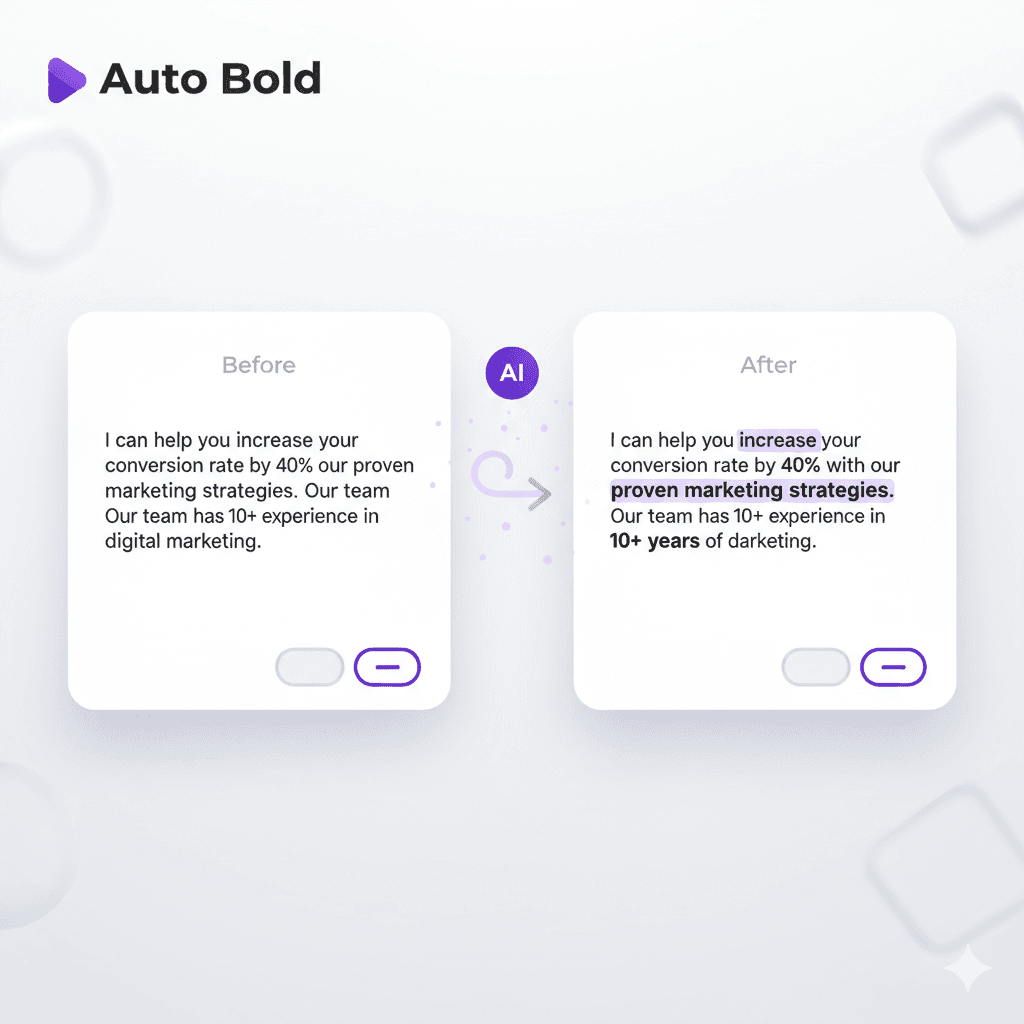
Boldify is an online tool for bold text generator that provides a quick and effortless way to convert your text into a bold font for social media, LinkedIn & Upwork within seconds.
Bold Text Generator
Imagine scrolling through your favorite social media feed. It's a never-ending flood of posts, comments, and captions. Everything is the same size, the same style, and often, the same boring font.
How do you stop that fast scroll? How do you make your one important message truly jump out from the digital noise? You need bold letters.
The truth is, most platforms from Instagram captions to Discord channels limit you to plain, unformatted text. This makes it incredibly hard to guide your audience, highlight a product, or establish a unique online presence.
This is where the Bold Text Generator and its related tools come in. This simple, effective solution offers a powerful shortcut to instantly elevate your text. This ultimate guide will explain the technology behind these bold font generators, detail the many exciting styles they can create, and show you how to use them professionally across all your digital channels.
What Is Bold Text?
Before diving into the tools, it's crucial to understand the two different types of bold text fonts you encounter online:
1. Bold Text in HTML/CSS
When a web designer uses HTML tags like <strong> or <b>, or CSS properties, they are telling the web browser to display the existing text in a heavier weight. This is known as True Formatting.
The browser uses the standard font installed on your system (like Arial or Inter) and simply shows the bold variation of that font.
This style cannot be copied and pasted to platforms like social media bios or text messages, as the formatting instruction is lost outside of a web page.
2. Unicode Bold Characters
A bold text font generator does something completely different: it is a Unicode text converter. It does not add style; it swaps out the letters.
Unicode is the universal standard that assigns a unique number to every letter, number, and symbol in almost every language. Hidden within the Unicode library are special sets of characters—often intended for mathematics—that just happen to look like bold text, italic, or even bubble-wrapped letters.
When you type 'A' into a bold generator, the tool doesn't style the letter; it swaps it out for a completely different Unicode character, like 𝕬 (the "Mathematical Bold Capital A").
Since this "bold A" is treated as a regular character, you can copy and paste it anywhere, and it keeps its look because it's the actual character itself. This is the Power of Portability.
How to Use the Tool
Using any text generator is incredibly easy, regardless of the style you choose. This generator takes your text to bold text in five simple steps:
- Input: Type or paste the text you want to convert into the bold letters generator's main text box.
- Select Style: Choose the specific style you want (e.g., Bold, Cursive, or Bubble Text) from the options provided by the tool.
- Select Text: Highlight the text you want to bold, or use Ctrl+A to select all text.
- Output: The generator displays the newly converted text, which is now a string of special Unicode characters.
- Copy: Use the copy button to instantly copy the formatted text to your clipboard.
The Range of Styles
The technology of Unicode conversion allows generators to create a diverse range of looks, enabling nuanced expression across digital platforms.
Bold Text
This is the most common use. It creates highly visible, heavier text (like this or that) to ensure key phrases are impossible to miss.
Bold Italics
Combining the visual weight of bold with the gentle slope of italics, this style is perfect for highlighting titles, important terms, or emphasizing a point with dual impact.
Bold Cursive & Cursive
The cursive style offers an elegant, personal, or sophisticated look, often used in social media bios or invitations. The bold cursive combines this elegance with higher visual prominence.
Italics
Similar to the standard HTML italic tag, this Unicode equivalent is used for quick emphasis, foreign words, or internal monologue in a caption.
Small Text
This converts your text into superscript and subscript characters, making it appear smaller and slightly above the baseline. It's useful for notes, playful emphasis, or fitting more characters into space-limited bios.
Small Caps Text
This style creates letters that look like smaller versions of capital letters, offering a classic, title-card look often associated with academic or formal style.
Bubble Text
One of the most visually distinct styles, Bubble Text creates text that is circled. It's frequently used for highly playful or attention-grabbing calls-to-action on platforms like TikTok and Instagram.
The Strategic Advantage
As a professional content writer, bold text generators are relied upon for three main strategic reasons: Increased Visibility, Brand Identity, and Readability. Here is an expanded list of powerful use cases for these Unicode styles:
Advertising and Marketing
Use bold font and bubble text in short social ads to force the reader's eye to the key selling point or the limited-time offer. A distinct style can significantly boost click-through rates.
Social Media & Professional Platform Formatting
Using a bold text generator is essential for platforms that limit native formatting. This strategy is highly effective for both personal branding and professional networking on:
- Instagram, Facebook, Twitter, TikTok
- WhatsApp, Discord, YouTube, Reddit
- LinkedIn, Upwork, Threads
LinkedIn (Professional Profiles and Posts)
On a platform where competition for attention is high, LinkedIn text generator is a professional advantage. Unicode bolding helps job seekers and business owners stand out:
- Profile Summary: Highlighting key skills or job titles in bold text right at the top of your profile.
- Articles and Posts: Breaking up dense professional analysis into scannable paragraphs with bold font subheadings.
Upwork (Proposals and Profiles)
For freelancers, standing out from dozens of competing proposals is critical. Upwork profile descriptions and proposals often strip out standard HTML formatting, making bold text fonts a powerful tool:
- Proposal First Line: Using bold text to highlight a key sentence or unique selling proposition.
- Profile Headers: Making your main service offerings immediately clear on your public profile.
Other Professional Use Cases
- Graphic Design: Designers use bold text fonts to quickly prototype different typographic feels for headings.
- Presentations: Using small caps or bold letters can help differentiate instructions or key notes in live chats or meeting streams.
- Writing and Education: Teachers can use Bubble Text to create engaging quizzes; authors use Unicode styles to denote perspective shifts.
- Product Descriptions: Using selective Bold Text can draw attention to vital specs (e.g., 5000mAh Battery, Waterproof).
- Branding: Consistency builds trust. Using a specific Bold Cursive style for your signature creates an instant, recognizable "look."
Limitations and Professional Caveats
While these tools are powerful, professional content creators must be aware of critical downsides:
Accessibility Concerns (Crucial Point)
Since this "in bold text" is actually a completely different character, screen-reading software for the visually impaired often reads the characters as symbols or foreign letters. This makes the text confusing and can prevent people from accessing your message.
Recommendation: Use bold text for style and emphasis only. Never use it to convey essential information. Avoid novelty styles (Bubble, Backwards) entirely for important communications.
SEO Implications
Search engines like Google try to understand the meaning of your text. While using Unicode characters on social media is usually fine, using them heavily on a primary website could be seen as keyword stuffing or an attempt to obscure text.
Rule of Thumb: Keep Unicode bolding confined to social media bios, post headers, and conversational contexts. Stick to standard HTML formatting for all core website content and blog posts.
Cross-Device Compatibility
While compatibility is generally good, sometimes older phones, operating systems, or niche apps may not have the font files needed to display the special Unicode characters. When this happens, the bold text fails and you see square boxes or question marks, known as "tofu."
FAQ
Conclusion
The bold font generator and its family of Unicode converters are elegant and powerful digital hacks. They allow you to bypass platform limitations and inject style, emotion, and emphasis into otherwise limiting text environments.
In the world of fast-paced, digital communication, standing out is no longer optional—it's necessary for survival. By using these tools responsibly and keeping accessibility in mind, you can transform your messages and connect with your readers more effectively without relying on complicated code.